
Matters are used to organize all of your related Engagements under one umbrella.
Create a new matter to get started with a brand-new request. If we have previously assisted you with this matter, select Add to Existing Matter and select the matter name from the typeahead.
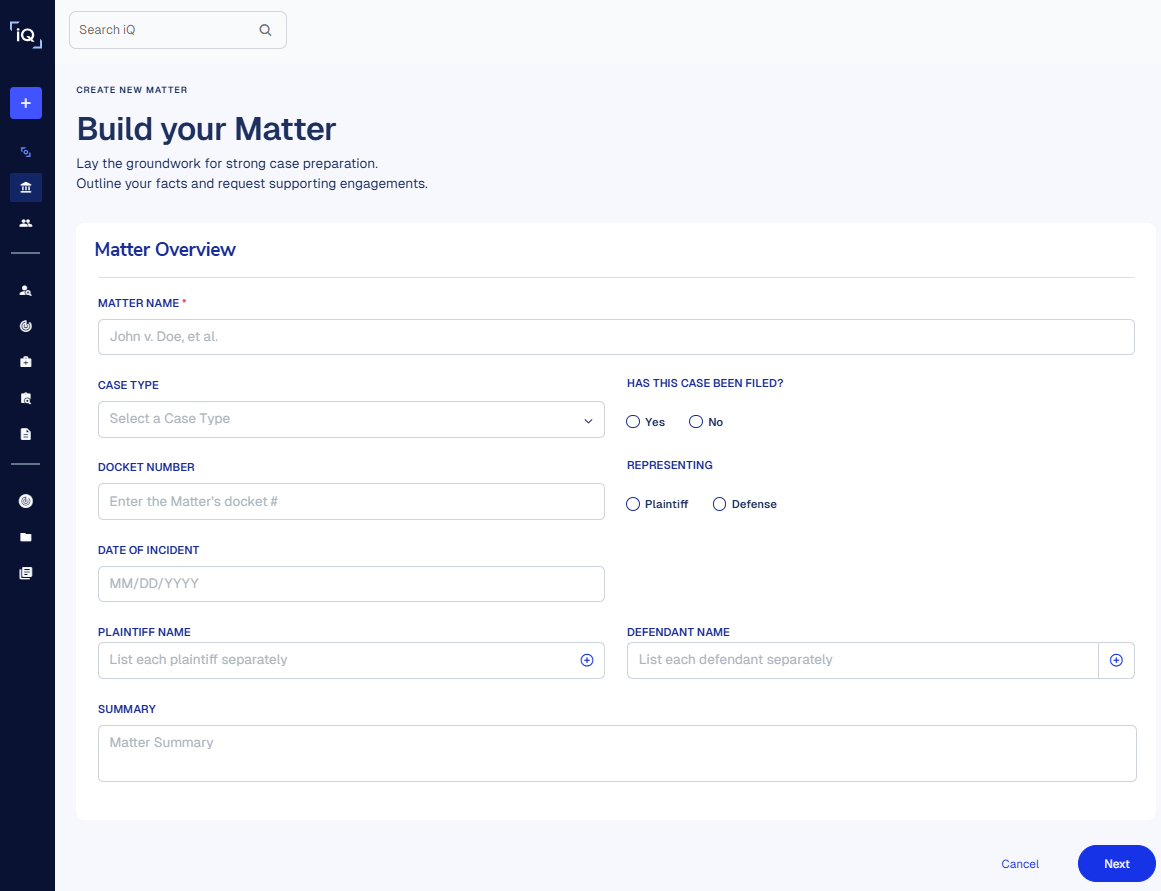
Want to get started with your Engagement request immediately? No problem! Launch an Engagement request, select the New Matter radio button on the submission form, and we’ll fill in the Matter details.