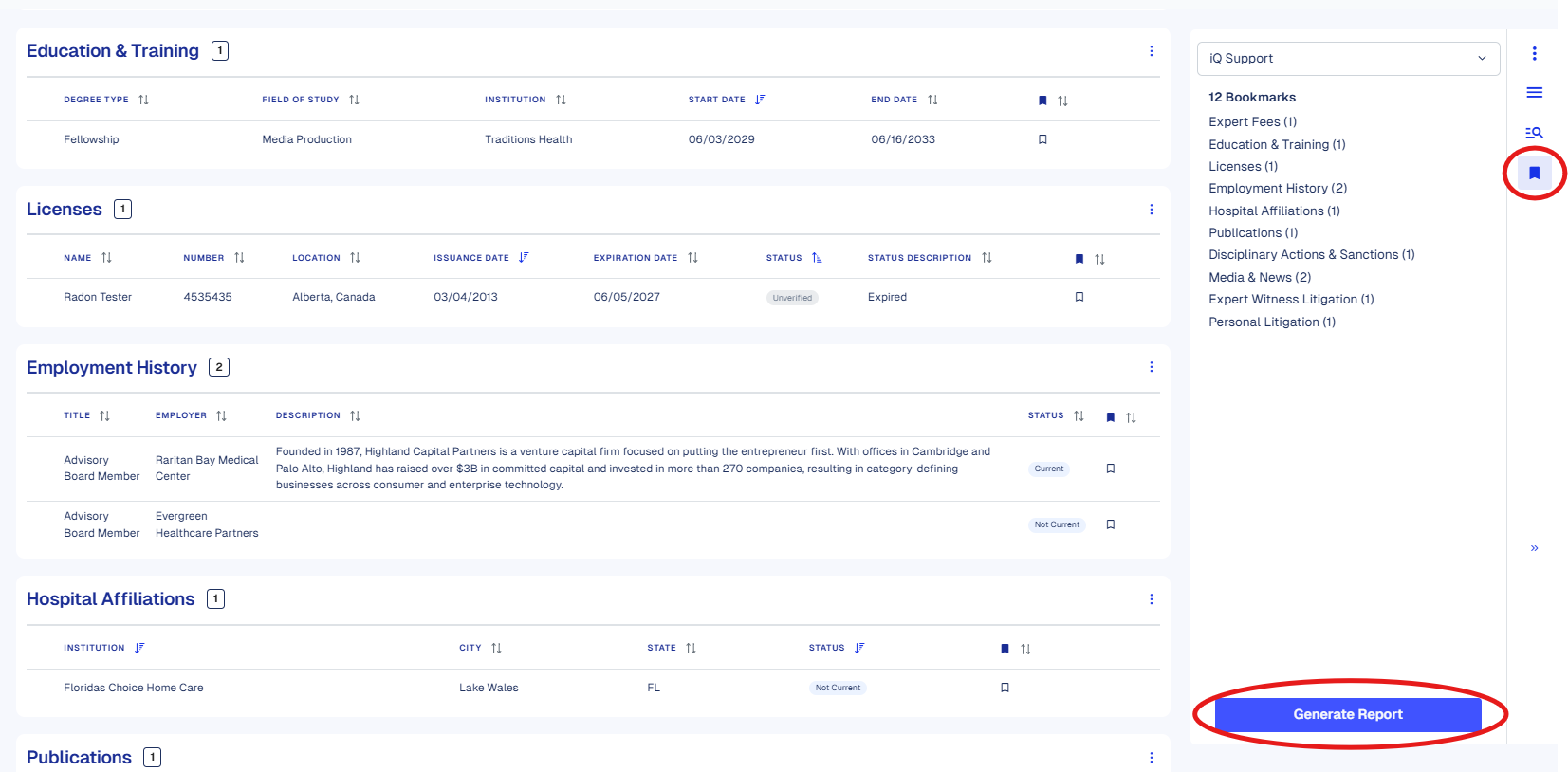
Our Expert Radar bookmarking and printing features enable you to efficiently save records for future reference, share them with colleagues, or export them from Expert iQ. Features include:
- Bookmark Entries Directly: bookmark entries in an Expert Radar table, which will automatically populate in the Bookmarks tab on the right rail.
- Enhanced Sorting: filter tables on the Expert Radar profile to display bookmarked entries first for easy access to important information for your case.
- Firm-Wide Collaboration: View bookmarks from other users and sort by contributor to control whose bookmarks are displayed.
- Search Integration: Bookmarks can be added directly from the global search feature.
- Generate Report: Bookmarks can be exported to a PDF file. You can select to export your bookmarks, colleague’s bookmarks, iQ support bookmarks, or all bookmarks in one PDF!